



Drag the scene into shape
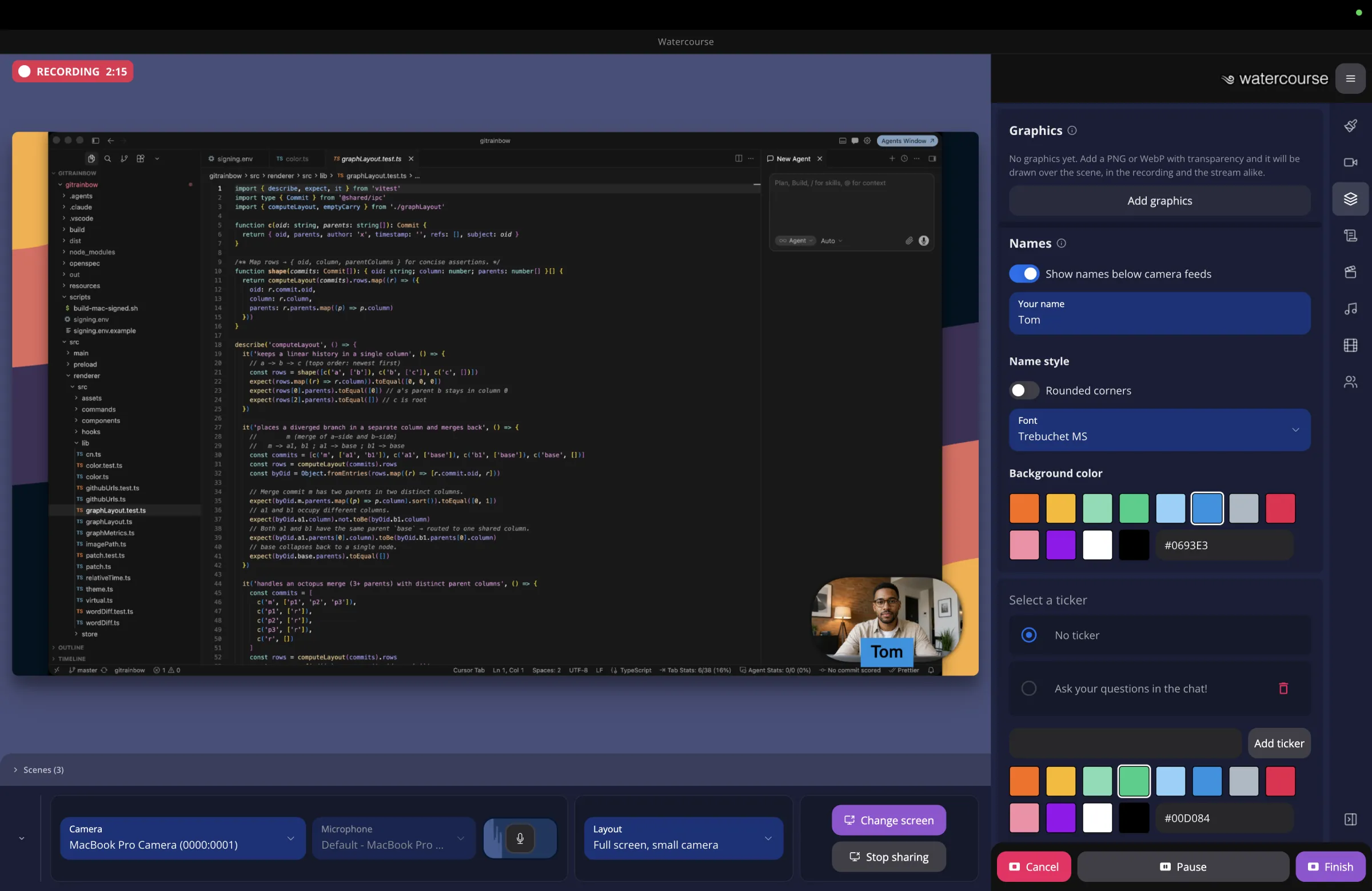
Start from eight layouts or build your own right on the preview. Save a look as a scene, and bring it back mid-sentence with one key.

Watercourse puts it all together live on your computer. Record it, stream it to several platforms at once, or use it as your webcam in Zoom, Meet and Teams on a Mac.
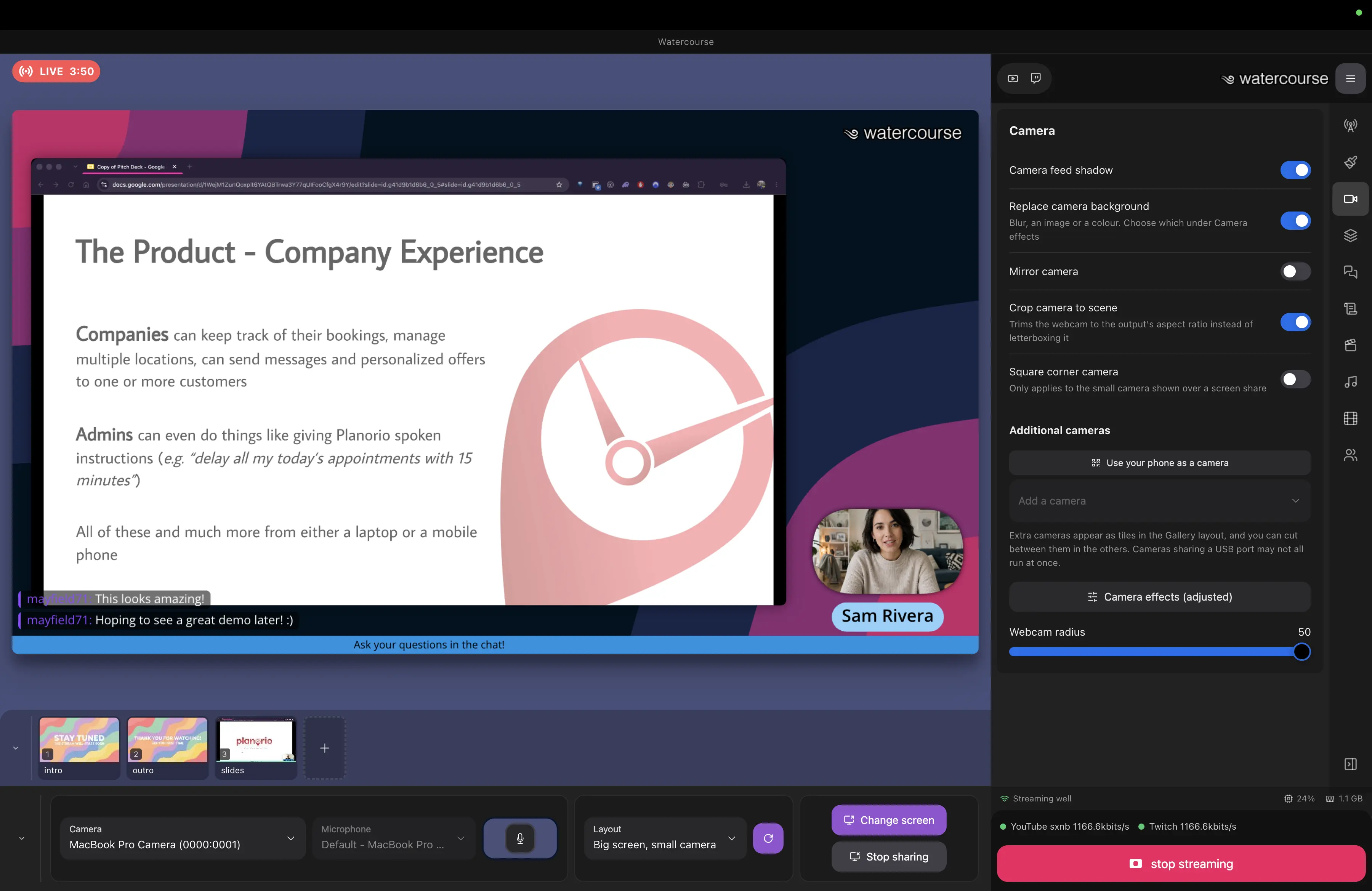
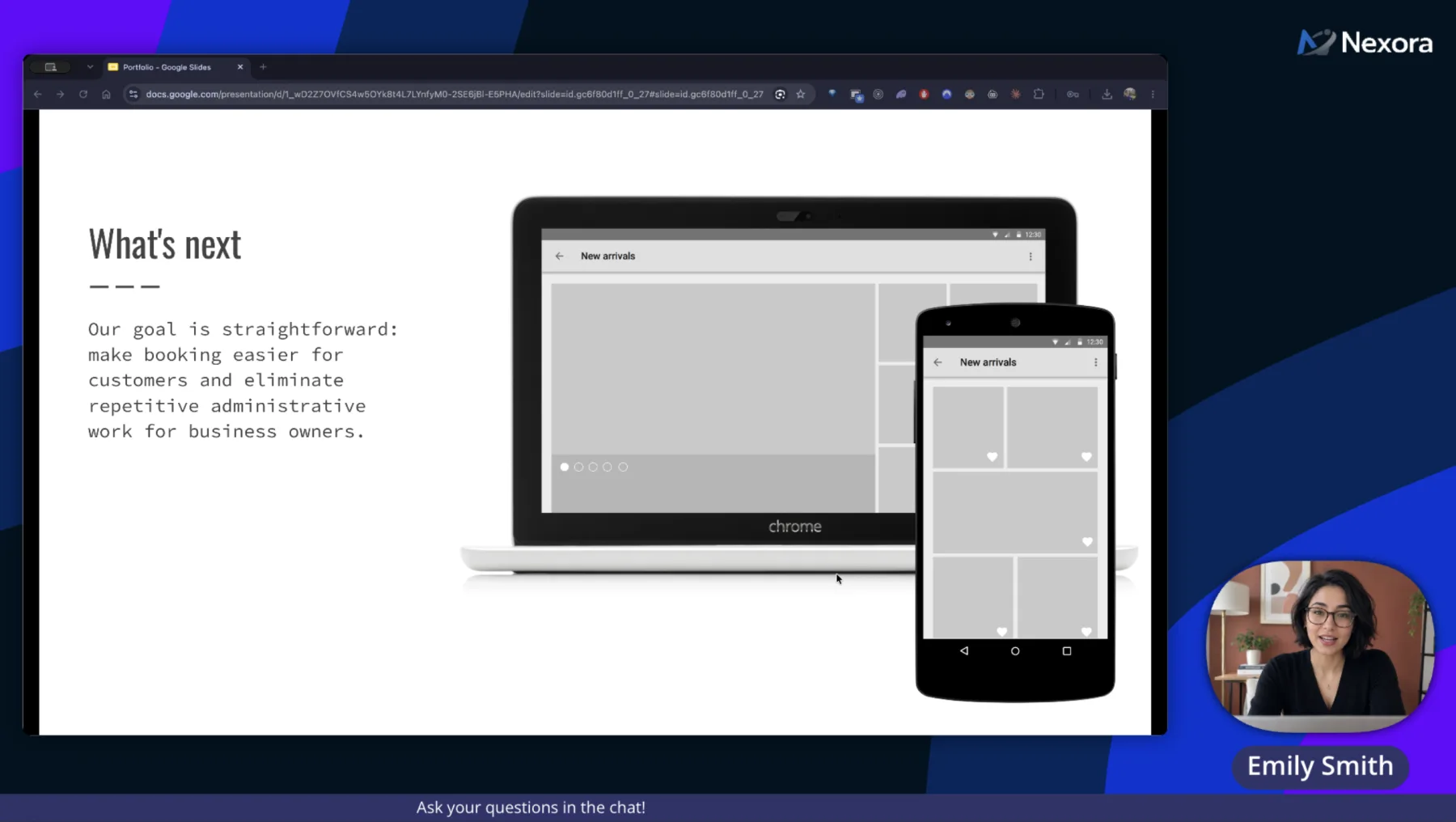
A comparison of the same video call. On the left, a plain webcam pointed at a cluttered room. On the right, the same call through Watercourse: a shared slide, the presenter in a corner camera with the room replaced behind her, a name badge, a logo and a ticker, all composed into one scene. Drag the handle, or use the arrow keys, to move between them.
Saved to your disk, ready to trim
Streams live to:
Bring in your sources and arrange them into one scene. That exact picture is what gets recorded, streamed, or shown in your meeting.
1Bring in your sources
2Build one scene
 Live preview
Layouts, backgrounds, names and graphics, arranged live.
3Send it anywhere
The short tour. No second app, no second monitor, and no second person at the desk.
Start from eight layouts or build your own right on the preview. Save a look as a scene, and bring it back mid-sentence with one key.
Scan a code and a phone on your wifi joins the scene as another angle. Nothing to install, and the video never leaves your network.
Press B when something lands. The marks wait for you on the trim timeline, and the take exports as an MP4.
YouTube, Twitch, LinkedIn or your own RTMP server, each with its own health readout, so you know it is working.
Up to four people join with a room code. Nothing they send goes out until you bring them in, and nobody hears their own echo.
A teleprompter only you can see, intro and outro clips, background music, and a backstage chat for cueing your guests. The prompter and the chat never reach the recording.
Effects, mixing and encoding run locally. No cloud, no account, no upload queue.
Updates wait until you are off air, and the licence works offline for a month.
An interrupted recording is repaired the next time the app opens.
No credit card and no watermark. Then pay monthly, yearly, or once to own it. Every plan is the whole app.
Guests never pay. Two computers per licence.
Something else on your mind? Write to us.
A desktop app that puts your cameras, your screen, a phone and remote guests into one polished live scene, then records it, streams it, or hands it to other apps as a webcam. Everything runs on your computer.
macOS and Windows. The virtual camera is macOS only, and capturing system audio needs macOS 13 or later, or Windows.
On macOS, yes. Choose Watercourse Virtual Camera in the meeting app and everyone sees your finished scene. macOS asks you to approve the camera once, and the app needs to be in your Applications folder.
No. Only the person running the show needs one. Guests open the same app and enter a room code to join.
There is no account and no login. You enter a licence key once, and starting a trial asks for an email address.
Watercourse is in development. Join the waitlist and you will hear from us as soon as early access opens.
Watercourse is in development. Join the waitlist for early access, and we will tell you the moment it is ready.
By joining you agree to receive updates about Watercourse. Unsubscribe at any time.